An AI Video Generator With Your Own API Key (BYOK)
BYOK, short for bring your own key, means you connect your own API key and a model on your own provider account does the work. Many AI video generators bundle the model into their credit plans. With BYOK in North Noir, the model you pick plans and draws your film on your key, you choose it per project, and you can see exactly what is billed to whom.
By Syver-August, Developer, North Noir · · 6 min read
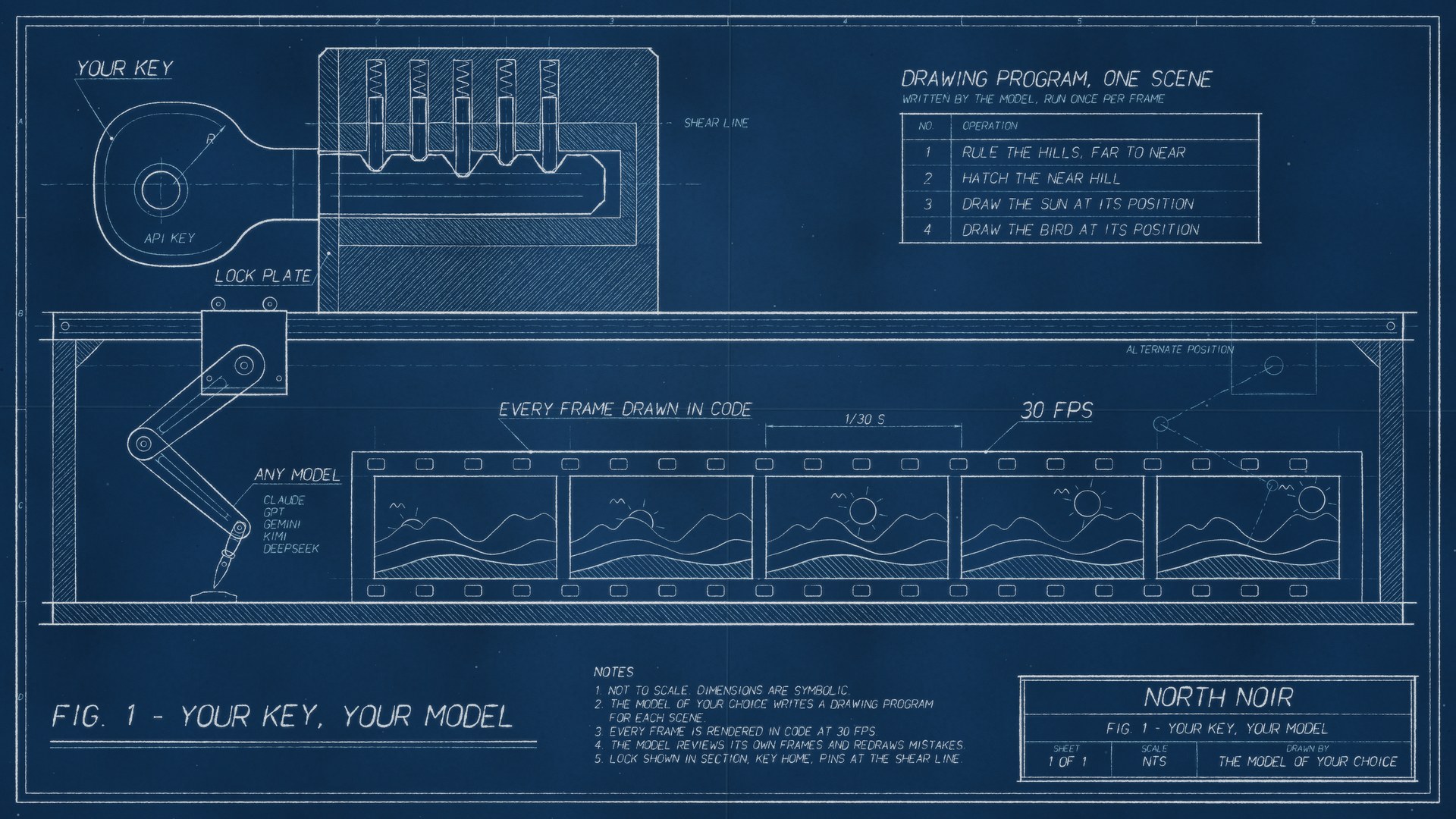
What “bring your own key” (BYOK) means for AI video
An API key is a secret string from a model provider such as Anthropic, OpenAI or Google. It lets software call that provider’s model on your account. Bring your own key (BYOK) means North Noir makes the model calls with your key, so your provider bills you for them, at the provider’s own prices, on the account you already have.
In an AI-drawn video those calls are the creative part. The model plans each section of the film and writes the drawing program that renders every frame, so BYOK decides more than the bill: it decides which model draws your film.
BYOK is optional. On the free plan it puts the model work on your own provider account while North Noir’s starter tokens cover the rendering. Paid plans don’t need a key, because tokens cover everything, and BYOK is there for when you want a particular model or your provider’s own billing.
What your model does in an AI-drawn video
You describe the film. The model you picked turns the description into sections, then writes a drawing program for each one, the same craft behind code-drawn animation. The program runs once per frame at 30 fps, and the model reviews its own frames and redraws what looks wrong, up to three rounds per section.
The choice applies everywhere the film is planned: the section briefs, and the scene, action and decision planning inside the engine. With BYOK, the model you picked on your own key does that work. Without it, North Noir’s default model does.
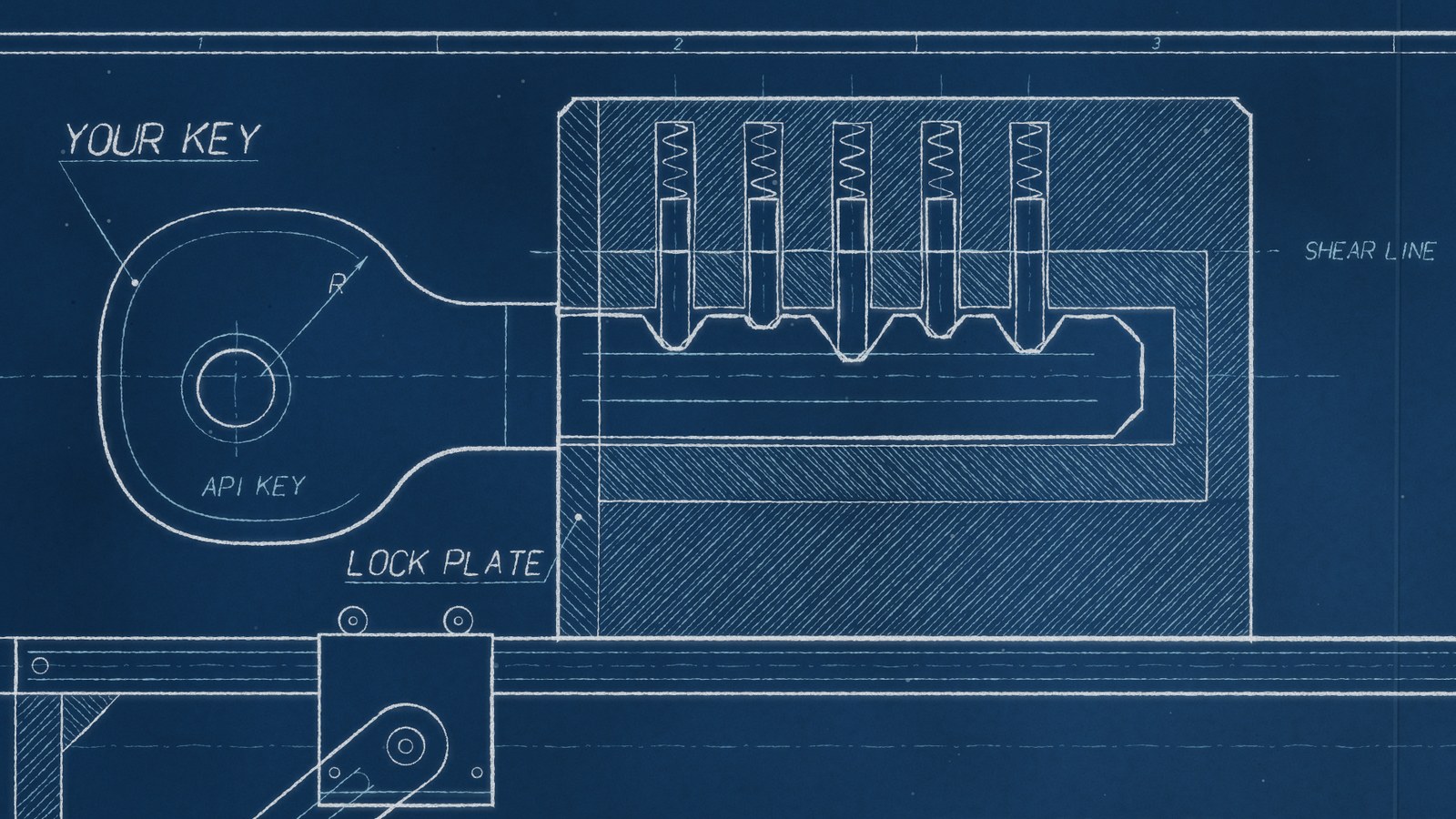
What BYOK pays for, and what it doesn’t
The rule is simple: you are only charged North Noir tokens for what actually costs North Noir money. Work you run on your own key is billed by your provider, not to your North Noir balance.
| Step | With BYOK (your own key) | With North Noir’s default model |
|---|---|---|
| Planning the film and each section | Your provider bills you | North Noir tokens |
| Writing the drawing programs | Your provider bills you | North Noir tokens |
| Rendering the frames at 30 fps | North Noir tokens | North Noir tokens |
| Narration, music and sound effects | Your key, for the voice and sound providers that accept one | North Noir tokens |
That is the difference from a bundled-credit plan: with BYOK the model part of the bill shows up in your provider’s own dashboard, at your provider’s prices, and only the rendering shows up as North Noir tokens.
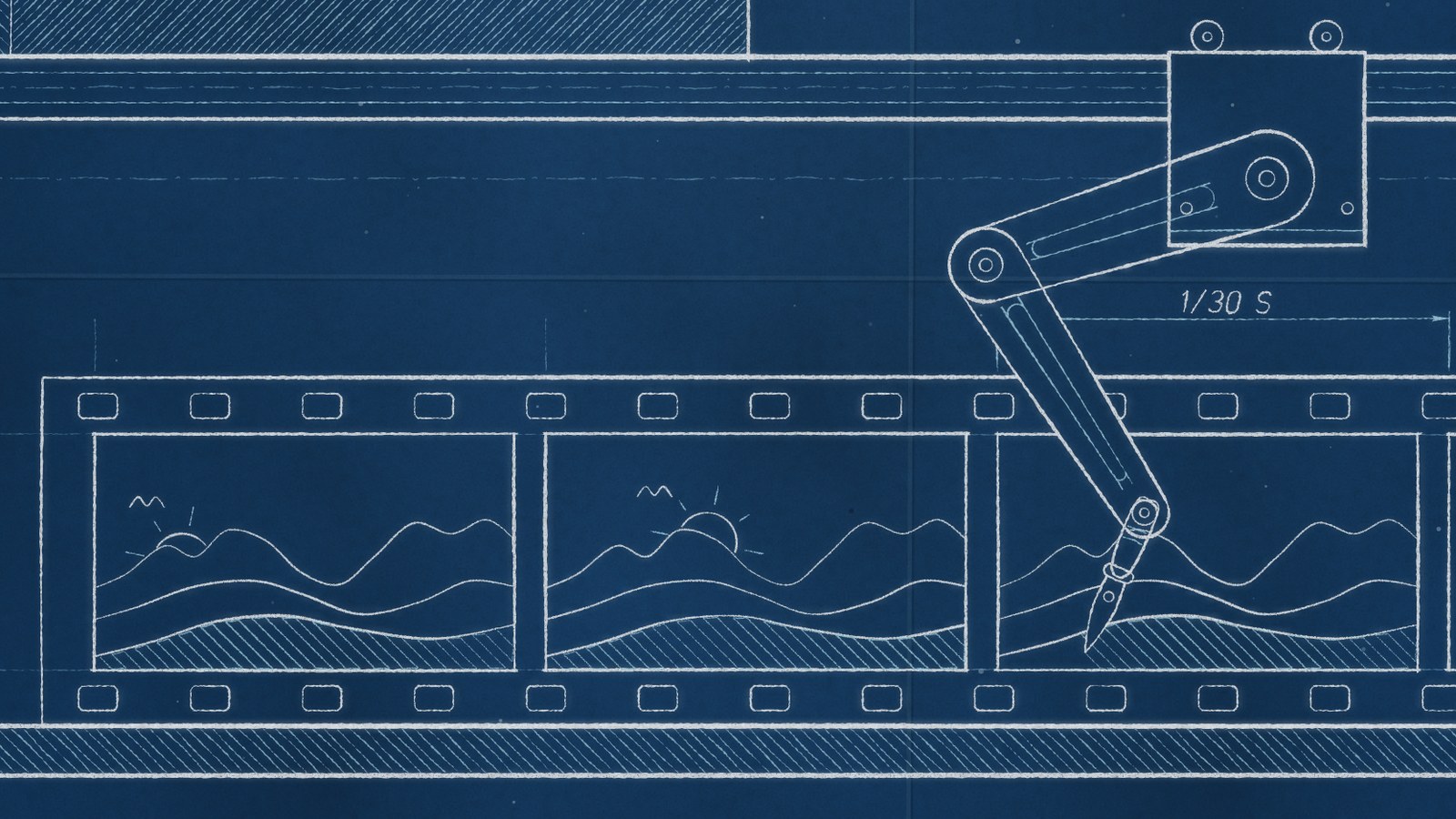
How to set up BYOK in North Noir
- Create a key at your provider In your provider’s console, make a new API key just for North Noir, so you can revoke it on its own.
- Add it under Settings → BYOK Pick the provider and paste the key. North Noir tests it when you save, and afterwards only the last four characters are shown.
- Choose the model Pick the model that should draw your film from the AI-drawn model menu in the Studio. The choice is per project.
- Describe your film From here it works like any other film: the model plans, draws, reviews and redraws, and the sections land on your timeline.
Your key is stored encrypted, and you can delete it from the same BYOK page whenever you like.
Which model should you use with BYOK?
Use BYOK when…
- You already pay a provider and want those calls on your own account
- You want a particular model, from Claude and GPT to Kimi and DeepSeek, for a particular look
- You want to see model spend in your provider’s own dashboard
Use North Noir’s model when…
- You want one bill and no provider account
- You are trying North Noir for the first time and want zero setup
- You would rather not manage keys or credit limits
You pick a provider, paste its key and pick a model. The BYOK page lists more than 30 model providers, including Anthropic (Claude), OpenAI (GPT), Google Gemini, Kimi, DeepSeek, OpenRouter, Together AI, Groq, Mistral and xAI (Grok).
There is no wrong answer, and you can switch per project. If you are unsure, draw one short film with each and compare the results.
Using your key from Claude, Cursor or Claude Code
BYOK works through the MCP server too. Connect Claude, Cursor or Claude Code and ask for a video: list_drawn_video_options shows the drawing models you can use and set_drawing_model sets one. To add a key, add_provider_key returns a secure link, so a key is never typed into the chat.
What happens if your key stops working
If your provider rejects the key or the account runs out of credit, the run stops with a clear message instead of quietly switching to another model. The Studio then offers to retry on North Noir’s default model with a price estimate first, so you decide whether to spend tokens instead.
Key takeaways
- BYOK (bring your own key) means the model that plans and draws your film runs on your own provider account.
- With BYOK, model calls are billed by your provider; rendering the frames still uses North Noir tokens.
- Choose from more than 30 providers per project, with the same setup in the Studio and in Claude, Cursor or Claude Code through MCP.
Frequently asked questions
What is BYOK in an AI video generator?
BYOK means bring your own key. In North Noir you connect your own API key from a model provider such as Anthropic, OpenAI or Google, and the model that plans and draws your film runs on your own provider account instead of North Noir’s.
Can I use an AI video generator with my own API key?
Yes. In North Noir you add your key under Settings → BYOK, and the model you choose does the planning and the drawing. Those model calls are billed by your provider, not by North Noir.
Is BYOK free in North Noir?
The model calls run on your provider account, so North Noir does not bill them. Rendering the frames still happens on North Noir’s servers and uses North Noir tokens. The free plan includes starter tokens and paid plans buy more.
Which providers and models work with BYOK?
Claude (Anthropic), GPT (OpenAI), Gemini, Kimi and DeepSeek, plus more than 30 providers in all, including OpenRouter, Together AI, Groq, Mistral and xAI (Grok). You choose the model per project, and you can always use North Noir’s default model instead.
Is my API key safe?
Your key is stored encrypted, and after you save it only the last four characters are shown. You can delete it at any time. Through MCP a key is never typed into the chat: add_provider_key returns a secure link.
Do I need BYOK on a paid plan?
No. Paid plans don’t need a key, because tokens cover everything. BYOK stays optional, for when you want a particular model or want the model calls on your own provider’s bill.
What happens if my key runs out of credit mid-project?
The run stops with a clear message instead of quietly switching models. You can top up your provider account and run it again, or retry on North Noir’s default model after seeing a price estimate.