Ruvil 7.3 Explained: Hand-Drawn Frame-by-Frame Animation With AI
Ruvil 7.3 is North Noir’s selectable second AI-drawn video model, and it takes the other route to the same goal. Instead of one program drawing every frame, each frame is generated as its own 2D illustration image — images as frames — timed the way hand-drawn animation is timed: key poses first, then anticipation, ease-in and ease-out, and secondary motion. Every frame is saved, so the drawing itself is yours to inspect.
By Syver-August, Developer, North Noir · · 4 min read
What Ruvil 7.3 is
Ruvil 7.3 is the second AI-drawn video model on North Noir — explicitly selected, never the default (Ruvil 2.1 is). Its unit of work is the drawing, not the program: every frame is generated as its own 2D illustration image, at a 6 fps cadence, in the style of the film. Nothing is interpolated from one still and nothing is a crop of a baked clip — each frame is a drawing made for that frame.
The timing is classical hand-drawn animation timing: key poses that read the action, anticipation before a move, ease-in and ease-out between poses, and secondary motion — the blanket that settles a beat after the shoulder beneath it. And when you provide reference art, every generated frame is anchored to it, so the character and the line style hold across the section.
The section, frame by frame
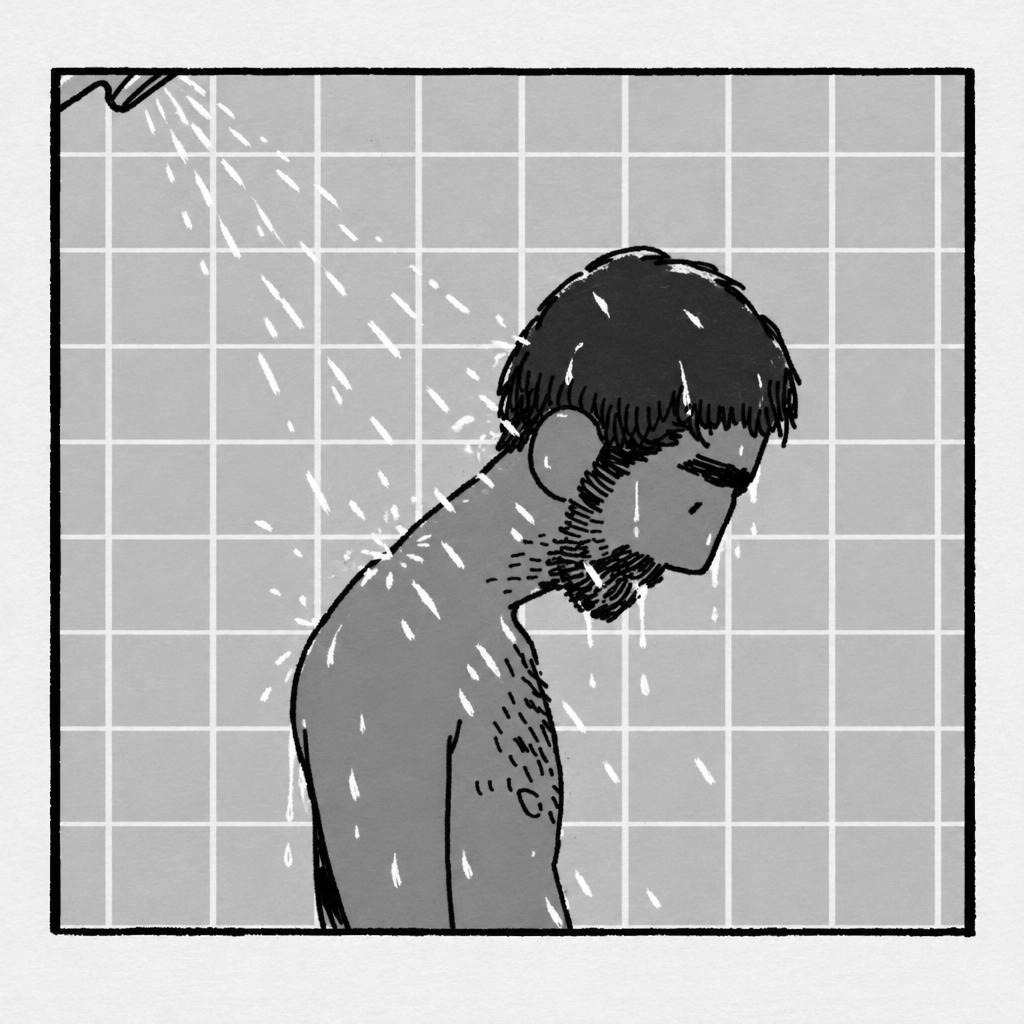
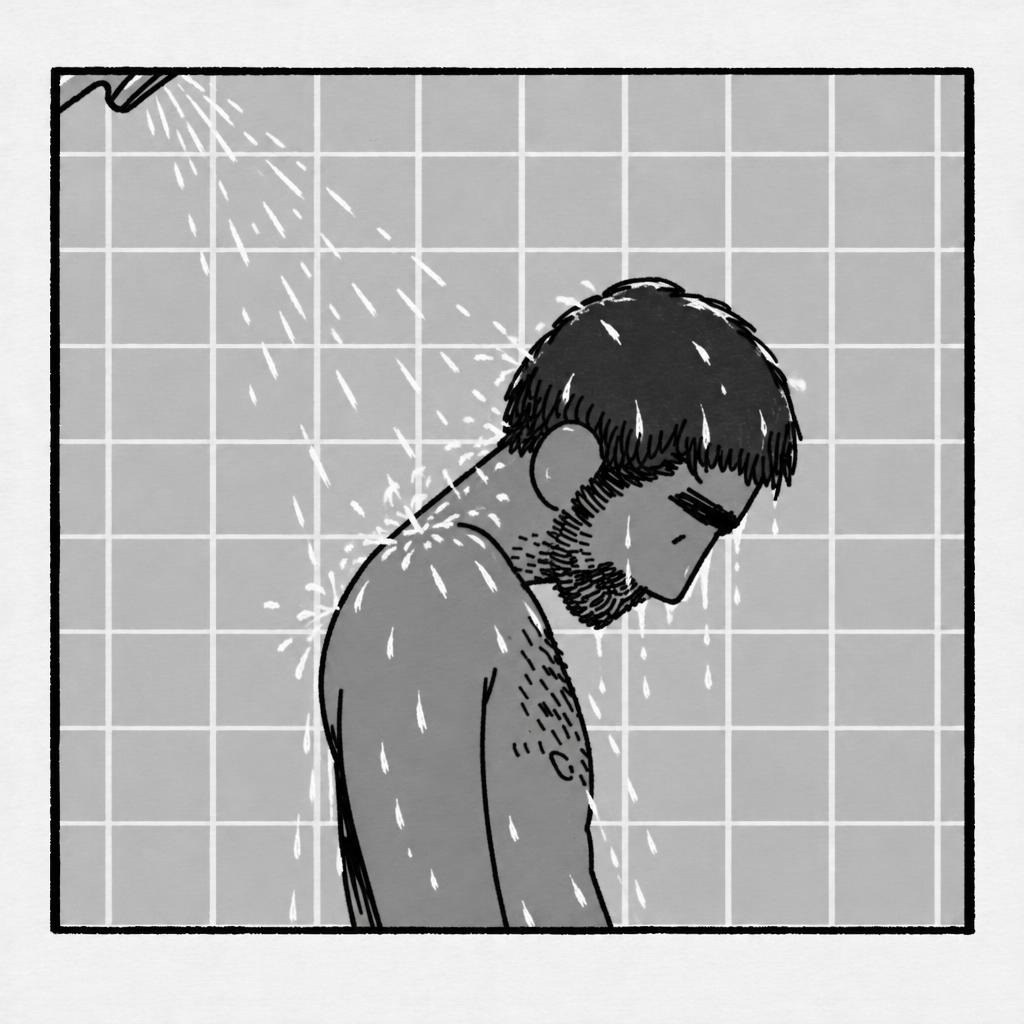
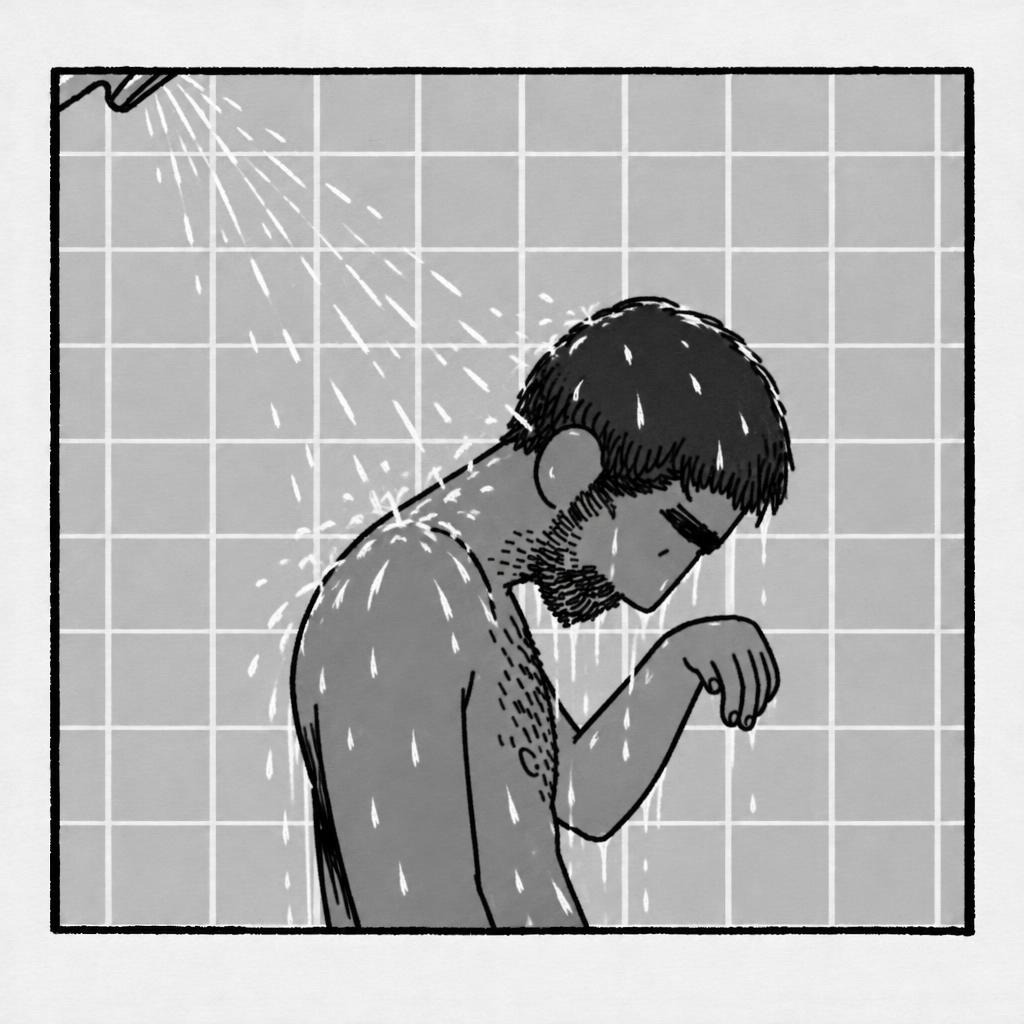
Here is the whole section as it was generated — four of its eight frames, in order. Each one is its own generated frame: a separate illustration image, saved as its own file.
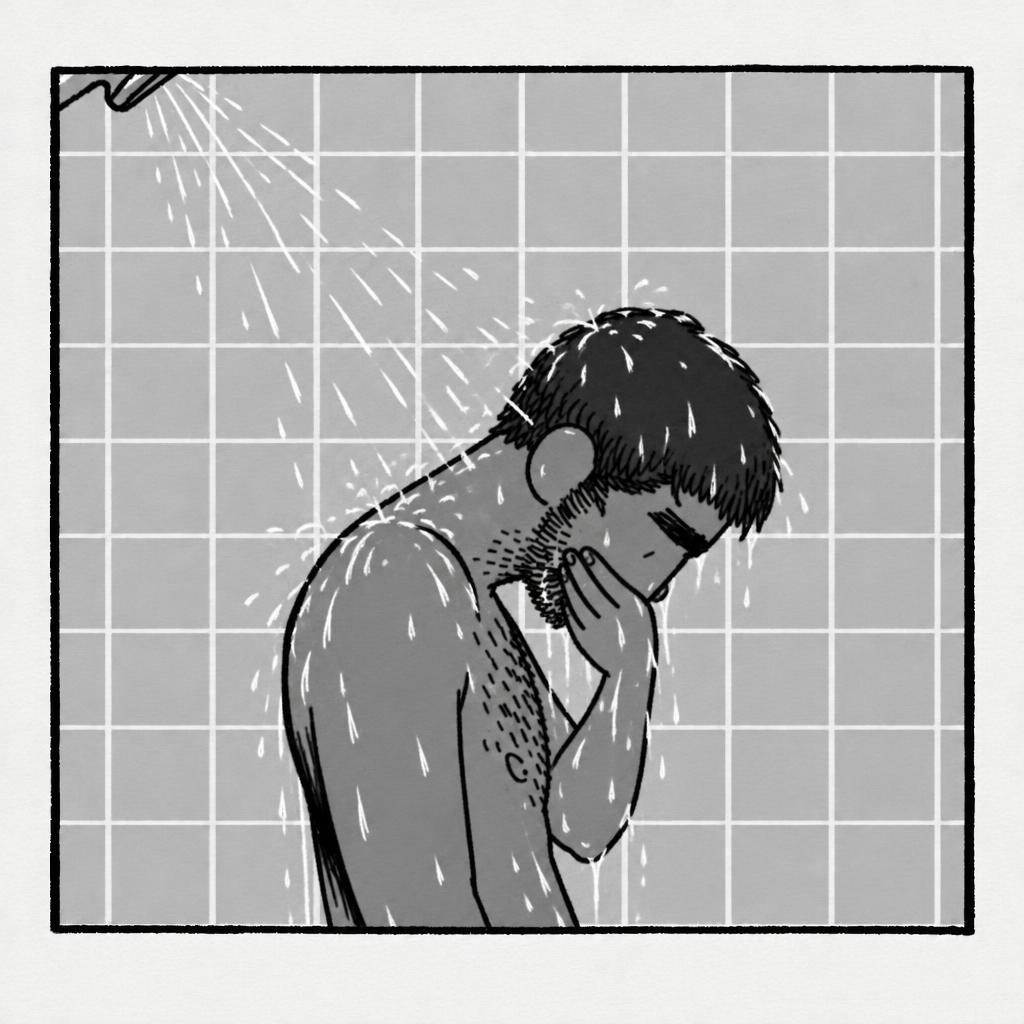
Every frame is saved: inspect, download, re-roll one
Because each frame is an image, each frame is a file. The section’s frame strip lists every generated frame, and any one of them can be inspected at full size, downloaded, or re-rolled in place: describe what to fix and only that frame is drawn again. The frames you liked are not re-rendered, not re-rolled, not at risk — a frame-level fix stays a frame-level fix.
Closer to the classical way of hand-drawn animation
Classical animation is drawings, timed. An animator plans the key poses, breaks them down, and adds the small overlapping actions that make a drawing feel alive — then holds the whole stack of drawings in hand and fixes the one that is wrong. Ruvil 7.3 works in that shape: the plan is poses and timing, the output is individual drawings you can look at one by one, and the correction you make is to a drawing, not to a clip. That is how AI video gets closer to the craft: not by imitating its look, but by returning to its unit of work.
When to choose Ruvil 7.3
- You want the texture of individually drawn frames — the small variations that make a drawing feel made by hand.
- You want per-frame control: inspect every frame, download it, or re-roll a single one.
- Your fix is one drawing — a pose, a hand, an expression — and you do not want to re-render the take to change it.
- You have reference art and want every frame locked to it.
If you want clean code-driven motion and changes made in code instead, that is Ruvil 2.1 — the default. The side-by-side comparison lays out the difference in one table.
Key takeaways
- Ruvil 7.3 is the selectable second AI-drawn video model: each frame is generated as its own 2D illustration image — images as frames — at a 6 fps cadence.
- It uses classical hand-drawn animation timing: key poses, anticipation, ease-in and ease-out breakdowns, and secondary motion.
- Every generated frame is saved to the section frame strip, where you can inspect it, download it or re-roll a single frame in place.
- Provided reference art anchors every frame, and a frame-level fix never touches the frames you already liked.
Frequently asked questions
What is Ruvil 7.3?
Ruvil 7.3 is North Noir’s second AI-drawn video model, selected explicitly — Ruvil 2.1 is the default. Each frame is generated as its own 2D illustration image (images as frames) with classical hand-drawn animation timing, and every frame is saved to the section frame strip.
How is Ruvil 7.3 different from Ruvil 2.1?
Ruvil 2.1 draws a section from one .js drawing program and changes it in code with Adjust. Ruvil 7.3 generates each frame as its own image and changes things frame by frame: you can inspect, download or re-roll a single frame without re-rendering the take.
Can I re-roll just one frame?
Yes. That is Ruvil 7.3’s editing model: every frame is a saved image, and any frame can be generated again in place, with a note about what to fix. The frames around it stay as they were.
Does Ruvil 7.3 use my reference art?
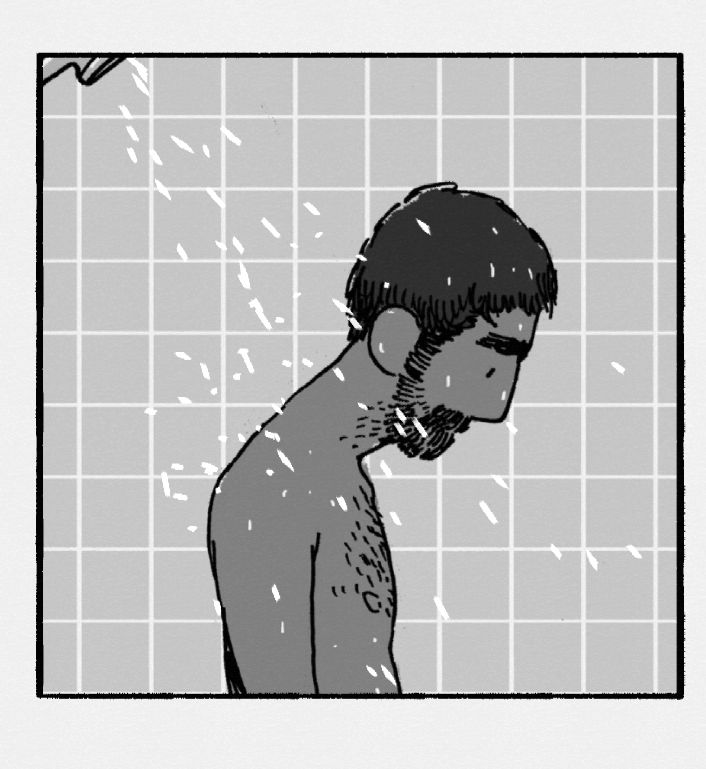
Yes. When you provide reference art, every generated frame is anchored to it, so the character and the drawing style hold across the section. The frames on this page were generated against the reference drawing shown above.
Keep reading
- Why We Draw Every Frame: The Problem With Text-to-Video, Image-to-Video, and Reference-to-Video
- Ruvil 2.1 Explained: AI-Drawn Video With a .js Drawing Engine
- Ruvil 2.1 vs Ruvil 7.3: Which AI-Drawn Video Model Should You Use?
- AI-Drawn Video, Explained
- Software for AI-Drawn Video, and Video Made by Code (2026)
- An AI Video Generator With Your Own API Key (BYOK)
- Sound Effects Models Ranked (2026): Prices, Tests and What We Use
- Background Music Models Ranked (2026): Vocals, Instrumental and Prices
- One Sentence, Any AI Harness, Any Model: AI-Drawn Video With the North Noir CLI